Strategy Game Prototype
A downloadable game for Windows and Linux
Controls
Left Mouse Click: Select unit/objects
Right Mouse Click: Move/Spawn/Attack unit
WASD: Move Camera
Q/E: Zoom in/out with the Camera
How I made this
I developed this prototype over 7 days, after building up my experience with Godot through my earlier prototype.
Day 1: I created an Agile development plan, to cover what I wanted to do for each of the 7 days and ensure, I have enough time to complete everything for a small prototype. I then created and set up my project in Godot. I first developed a unit selection and movement system by using Signal's which I learnt about, when researching good ways to communicate between scripts/nodes in Godot. I used this to communicate, what unit is selected and where to move the unit to. However, there was an error of the unit not being able to be selected every time accurately, as it would constantly flicker between the unit being selectable and non-selectable. I was unable to solve the issue and decided to come back to it later, after I have gotten time to re-approach the issue with a clean slate. Lastly, I added movement to the camera, allowing the player to look around the map.
Day 2: I decided to create a unit attack script, for this script. I wanted to create several generic scripts, to allow for more modular unit development, as it would improve efficiency. To differentiate between a unit being friendly or enemy faction. I used an enumerator to set which faction a unit is. I did this, as it would allow me to expand upon the basic combat system in the future, with allowing ships to change sides if captured. In doing this, I found the solution to yesterday's problem and fixed it, allowing me to select and move allied units as intended now.
Day 3: For day 3, the objective was to get the enemy moving and attacking. For the attacking side of things, I re-used the generic unit attack script, whilst for the enemy movement, I created it's own script as allied and enemy units would move differently fundamentally.
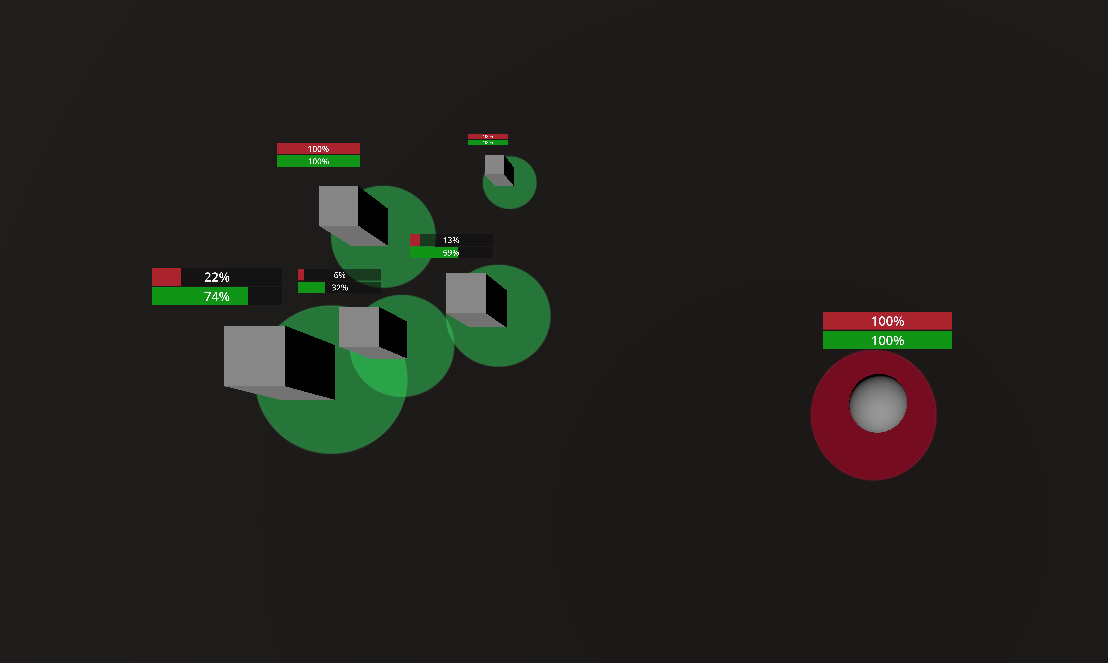
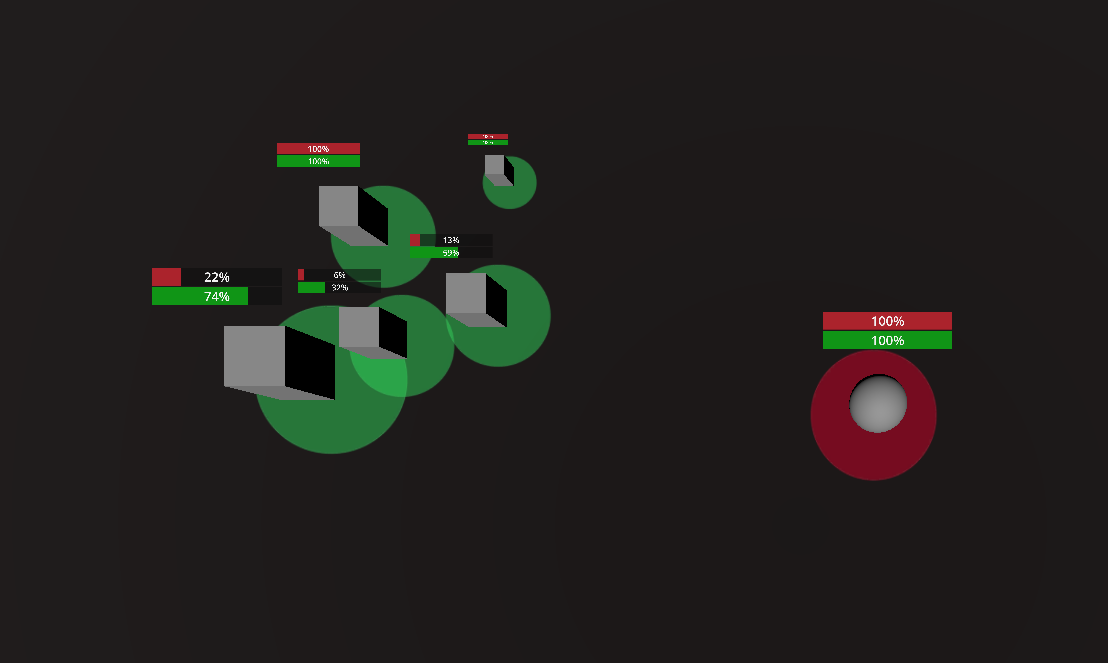
Day 4: I learnt how to create UI such a a health bar in Godot for the units, as while many of the principles are familiar to Unity, there are some differences in how it is set up. In creating a health bar for units, I also created a crew bar, so, I could expand upon it and add different units such as a unit that can capture other ships, in the future. However, to accommodate this, I revised my code I made on day 2, to also damage a ship's crew amount. After the UI was created, I then created a zoom in and out feature for the camera, in case anyone struggled to see the UI or wanted to see the bigger picture of a battle, which I did by changing the FOV of the camera.
Day 5: For this day, my objective was to complete the last necessary coding for a battle to work, which was a spawning system for enemies and player. I decided for the enemies, I would have no spawning system, as they would already be spawned in the level for each difficulty and developing a spawning system such as in other strategy games like the Total War Series or Empire At War for an AI, would take to long for a rapid prototype, made in a week. Whilst for the player, I took inspiration from Empire At War and had a UI option on the side the player, can select which unit to spawn, however unlike Empire At War, this wasn't a dynamic system, as the player would only have a limited type of unit's to spawn. Once, this was done, I set up the main menu UI and created some empty levels for day 6.
Day 6: On day 6, I created the code for the main menu and level spawning systems and I then created the different unit types. I did this, by duplicating the base template units and adjusting the value's such as HP and damage, to create 3 unique unit types. Lastly, I added the enemies; set how many player units of each type can spawn and play tested the levels. In doing so, I found a bug of units not disappearing at the end of a level, to solve this I used a signal at the end of a level which destroyed all units still present.
Day 7: I added a bit of extra polish, to make it easier to know which units are allied/enemy and which are selected/deselected through the use of a UI which changes color for enemy/friendly and when selected/deselected. I then play-tested and built the game.
Github
Download